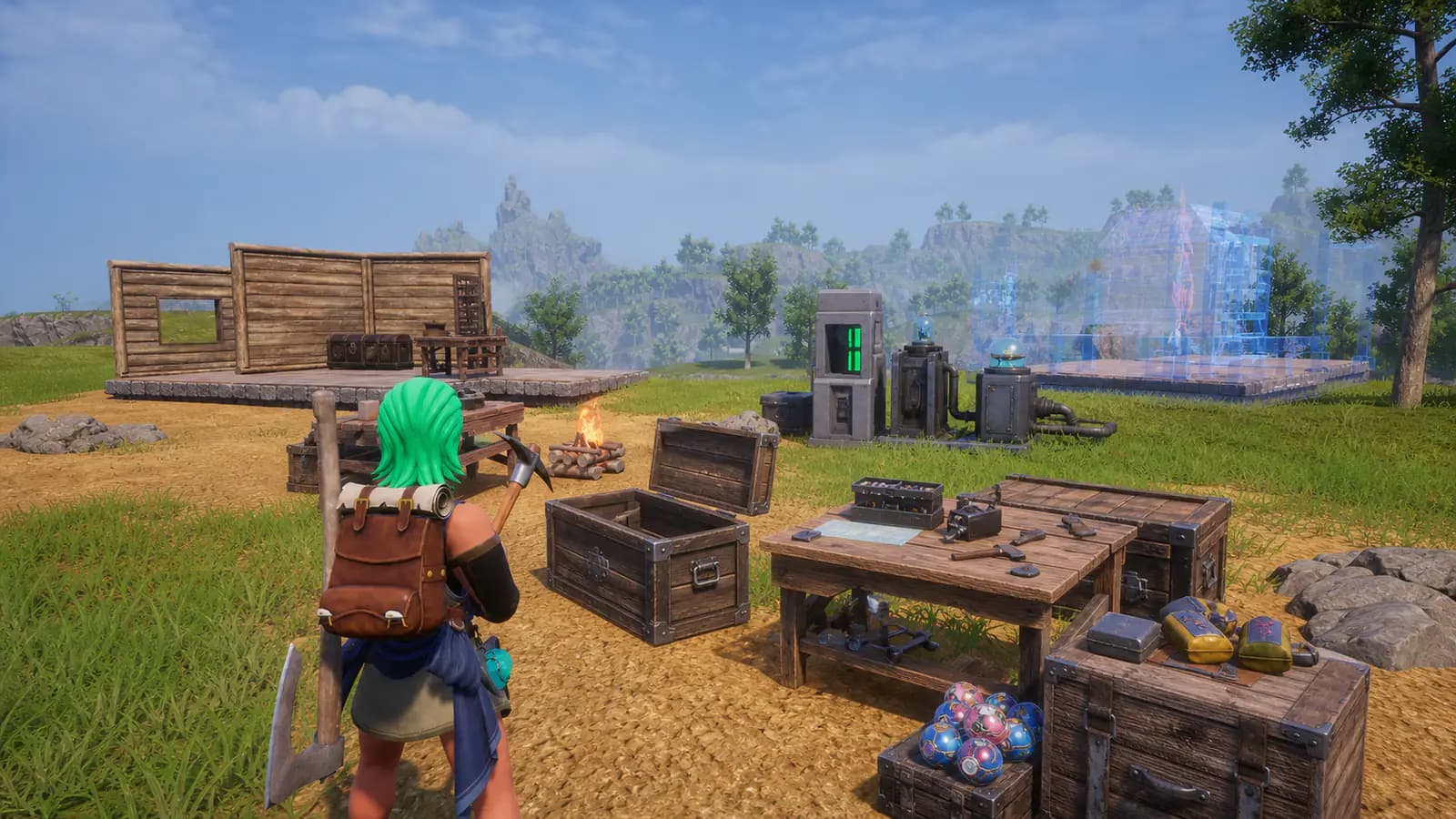
Your save file has one enemy this week, and it is not a tower boss. It is the folder of mod files you installed eight months ago and forgot about. Pocketpair did something developers almost never do ahead of Palworld 1.0: they published an official warning telling modded players, in plain language, that the update's "significant architectural changes" can crash the game, corrupt saves, and soft-lock quests.
Time left to prep your mods
July 10, 2026 at 03:30 UTC
What Pocketpair actually said#
The warning names three failure modes for legacy mods, especially anything installed since the game's 2024 launch:
- Crashes at startup or mid-session
- Save files that corrupt or refuse to load
- Quests and event triggers that silently break
Pocketpair paired the warning with goodwill: they support modding and want to see what the community builds on 1.0. This is not an anti-mod move. It is a developer telling you the ground is about to shift.
Know your enemy: what breaks and why#
Different mod types fail differently. Knowing which kind you run tells you what to expect on patch day:
| Mod type | How it hooks in | 1.0 breakage risk | What to wait for |
|---|---|---|---|
| Script mods (Lua) | UE4SS injection | Near certain | Updated UE4SS build for 1.0 |
| Data mods (JSON) | PalSchema loader | Near certain | PalSchema build that targets the new UE4SS |
| .pak replacements | Load-order override | High with 27 pages of changes | Author-confirmed 1.0 versions |
| Texture-only .paks | Asset override | Moderate | Usually survive, verify visually |
The core problem: UE4SS finds its way into the game by scanning memory for known signatures, and big patches move those signatures. It has broken on essentially every major Palworld update, and the community fix has historically taken anywhere from hours to a few days. PalSchema sits on top of UE4SS, so it inherits every UE4SS outage and adds its own patch sensitivity on top.
Budget for a short vanilla honeymoon under the World Tree while tool authors catch up. It is a good week for it.
Where everything lives#
You cannot purge what you cannot find. The three locations that matter on a standard Steam install:
- Your saves:
%LOCALAPPDATA%\Pal\Saved\SaveGames(paste that into the Explorer address bar). Back up the entire folder, not individual files; world saves reference player files. - Pak mods:
<your Steam library>\steamapps\common\Palworld\Pal\Content\Paks\~mods(andLogicModsif present). Everything in these folders is a mod; the folders themselves are safe to delete. - UE4SS:
Palworld\Pal\Binaries\Win64. Look fordwmapi.dll,UE4SS.dll, theue4ssfolder, andUE4SS-settings.ini. These are the loader; leaving them behind is exactly the "disabled but still loaded" trap Pocketpair warned about.
Before 1.0 drops: the prep checklist#
Work through these in order. Progress is saved on this device.
- Copy the entire SaveGames folder somewhere outside the game directory
- Screenshot or export your mod list so you can rebuild the same loadout later
- Delete the ~mods and LogicMods folders from Pal\Content\Paks
- Delete UE4SS from Pal\Binaries\Win64: dwmapi.dll, UE4SS.dll, the ue4ss folder, and its ini
- Unsubscribe from all Steam Workshop mods if you use any
- Verify integrity of game files in Steam so the update applies to a clean install
- Launch once fully vanilla and confirm your world loads and converts cleanly
That last step matters more than it looks: 1.0 runs a one-time conversion on your save. You want that conversion to happen on a clean install, because a conversion that runs against modded data is exactly how saves corrupt.
After 1.0 drops: the restore checklist#
Patience here saves you a rebuilt base. Reinstall in this order, testing between every step:
- Wait for a UE4SS build that explicitly says it supports Palworld 1.0
- Install UE4SS alone, launch, and confirm the game reaches your world
- Add PalSchema only after it ships a 1.0-compatible release
- Reinstall content mods one at a time, launching between each
- Check every mod page for an author-confirmed 1.0 note before installing it
When something breaks anyway: triage#
| Symptom | Most likely cause | Fix |
|---|---|---|
| Crash on launch, before menu | Leftover UE4SS files (dwmapi.dll) | Re-purge Win64, verify files |
| Crash loading your world | A .pak mod fighting new data | Empty ~mods, add back one at a time |
| Infinite loading screen | Save conversion hit modded data | Restore your backup, purge, retry |
| Pals or items missing | Data mod (PalSchema) out of date | Remove it until a 1.0 build ships |
| Quest will not trigger | Script mod hooked an old event | Remove script mods, re-test |
If the vanilla game runs but your modded setup does not, the problem is always the newest thing you added back. That is why the restore checklist is one-at-a-time.
Rebuild from mods that say 1.0#
The last checklist item is the whole reason PalMods.gg exists. Every file here carries explicit game-version support and a compatibility state computed against the current patch, so browsing the 1.0 catalog shows you mods whose authors have confirmed the jump instead of making your save the test environment.
While you wait for your favorites to update: the Palpedia has hover-anywhere stats for every pal, and our complete 1.0 roundup covers what you will actually be playing once you are back. If you are debating a fresh start, that decision has its own guide.
Comments
Loading discussion...