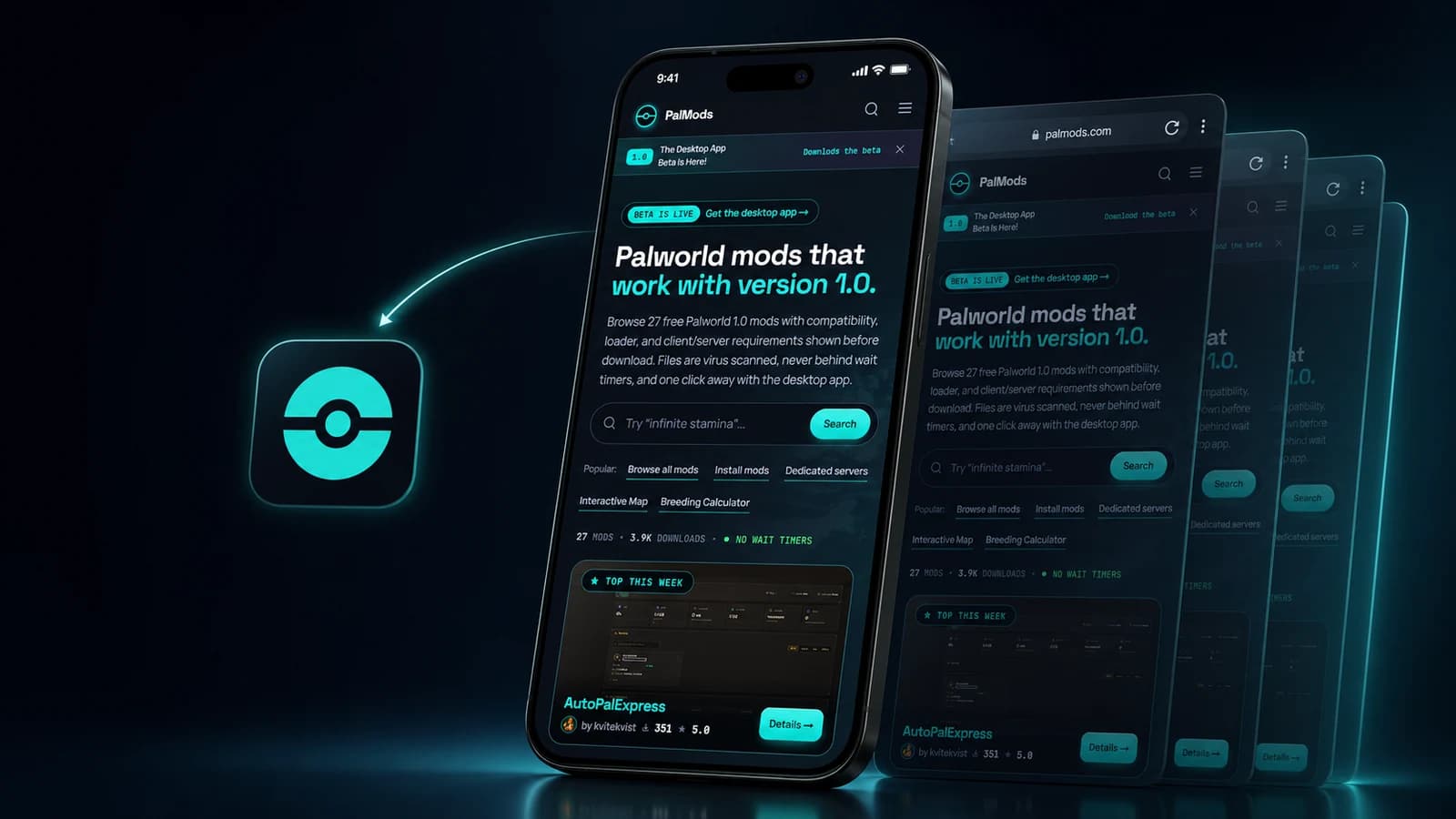
PalMods now fits in your pocket#
PalMods just earned a spot on your home screen. Our new mobile progressive web app gives you a full-screen, phone-first way to browse mods, open tools, and read guides without visiting an app store.
A progressive web app, or PWA, is a website that can install and launch like an app. You get the PalMods icon on your phone, a standalone app window, fast access to the parts of the site you use most, and updates from the web version as we ship them.
Built for the way you use PalMods on mobile#
This release is more than a shortcut to the website. We rebuilt the mobile shell around small screens and thumbs.
- A persistent bottom dock: jump between Home, Browse, Tools, Guides, and More.
- A focused app window: launch PalMods without the usual browser chrome taking over your screen.
- Mobile-first navigation: search, account actions, uploads, notifications, settings, and community links live in compact sheets that stay within reach.
- A better map on small screens: the interactive map has an immersive mobile mode and a compact landscape layout.
- Safer screen edges: the app accounts for notches, rounded corners, home indicators, and on-screen keyboards.
- Visible connection and update status: PalMods tells you when you are offline and when a fresh version is ready.
Every major public and account route received a mobile pass, so this experience carries from the mod catalog to calculators, reference tools, profiles, and author screens.

How to install PalMods on Android#
Chrome on Android gives you the quickest path:
- Open PalMods.gg in Chrome.
- Tap More in the PalMods bottom dock.
- Find the Install PalMods card and tap Install.
- Confirm the browser prompt.
If the in-app Install button is not available yet, use Chrome's menu instead: tap the three-dot menu, choose Add to home screen, then Install. Google documents the same flow in its official web app instructions.
How to install PalMods on iPhone or iPad#
Use Safari for the standard Apple installation flow:
- Open Safari and go to PalMods.gg.
- Tap the Share button. Depending on your Safari layout, you may first tap the More button and then Share.
- Scroll down and choose Add to Home Screen.
- Turn on Open as Web App if Safari shows the option.
- Tap Add.
You can also tap More inside PalMods, then How to install, for a quick reminder. If Add to Home Screen is missing from the Safari share sheet, scroll to Edit Actions and add it. Apple's current iPhone guide walks through the same steps.
What happens after installation#
Tap the PalMods icon and the site opens in standalone app mode. The mobile dock stays ready at the bottom, search is one tap away, and supported Android launchers may also offer shortcuts straight to Browse, Tools, Guides, or the Blog.
There is nothing separate to download from an app marketplace, and there is no second PalMods account to manage. Sign in with the same account you already use on the web. When a new app shell is ready, PalMods shows an Update ready action so you can reload into the latest version.
A clear experience when your connection drops#

The PWA does not turn the live mod catalog into a fully offline database. If your connection drops, PalMods shows an offline status and a dedicated recovery screen instead of leaving you with a broken page. Some previously loaded images, fonts, and browser-cached content may remain available.
Downloads, uploads, sign-in, account changes, and other live actions still need a network connection. That boundary is deliberate: private pages, API responses, authoring screens, and download links are never stored by the PalMods service worker.
Put PalMods one tap away#
The mobile PWA is available now at PalMods.gg. Add it to your home screen, take the new navigation for a spin, then tell us what you want us to improve next through Report an issue or the PalMods Discord linked in the app's More menu.



Comments
Loading discussion...