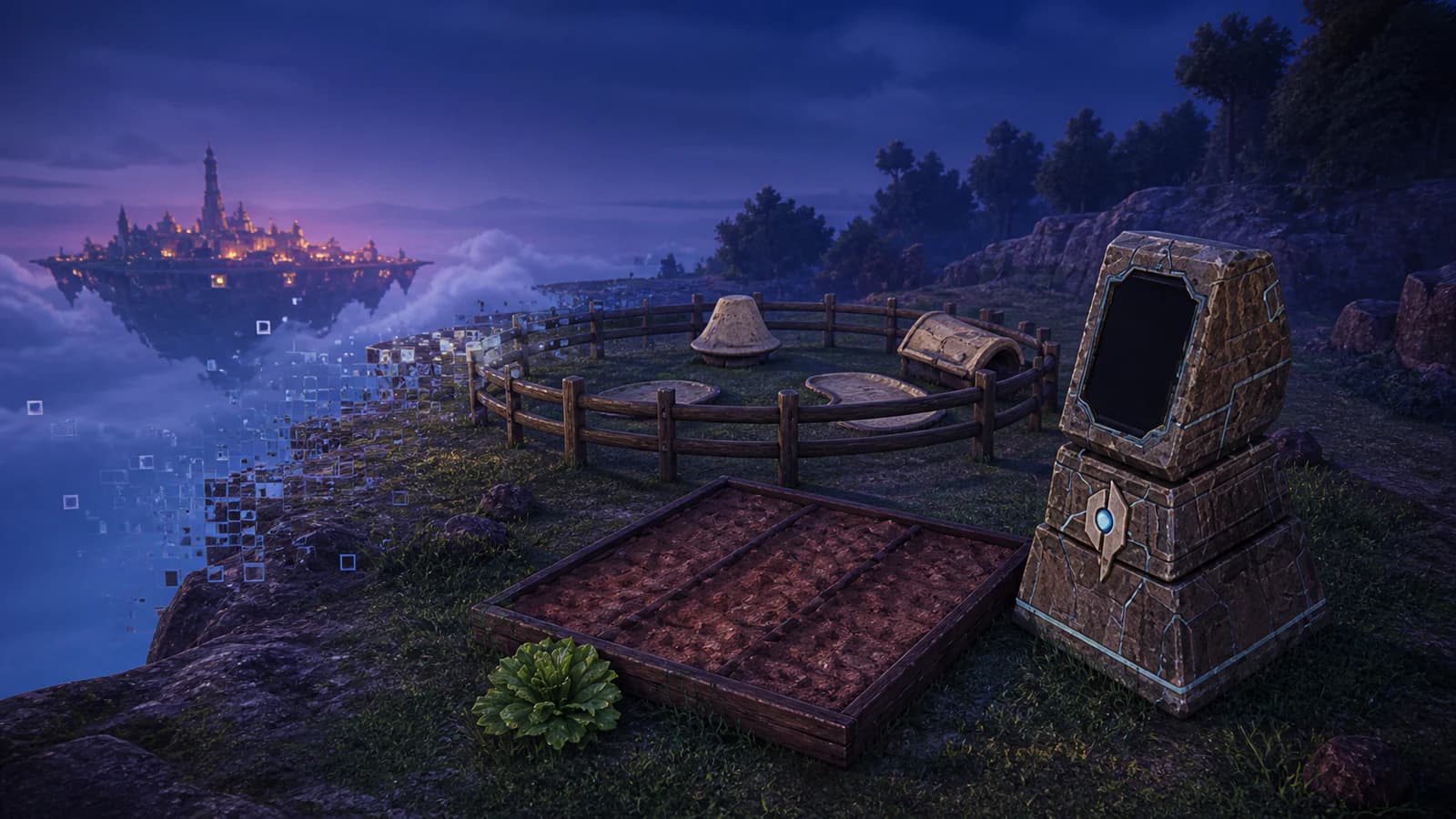
A Palworld farm can look fully staffed, fully fed, and perfectly routed, then produce nothing while you are away. Return through the Palbox and eggs, vegetables, organs, cloth, and other outputs begin moving again.
That pattern has one defining cause: the base's worker simulation has entered an inactive state after its world cell unloaded. Teleporting back loads the cell, reconstructs the workers, and restarts their task loops. It is not a crop-growth problem, a single Ranch assignment problem, or proof that the Guild Chest consumed the output.
The production pattern that identifies an inactive base#
The strongest reproduction uses multiple independent counters. Record the Guild Chest totals for Ranch drops, crops, and crafted materials, then leave the base without changing assignments or issuing new orders.
A documented test tracked five unrelated outputs:
- Eggs
- Tomatoes
- Lettuce
- Flame Organs
- High Quality Cloth
Every count stayed fixed while the player remained away. After teleporting to the production base, the counts started rising. A separate Sky Island farm produced the same pattern: weak remote output, followed by a large increase while a player idled at the base.
That synchronized freeze rules out a station-specific explanation. Plantations, Ranch outputs, and transported materials do not all fail for the same local recipe reason. Their shared dependency is the base worker simulation. Compare the affected jobs in the work suitability guide before changing the roster.
Use this diagnostic rule:
One stalled product points to its worker, assignment, input, or storage. Several unrelated products stalling together point to the base load state.
Remote simulation is not the same as render distance#
Palworld streams the world in spatial cells. When no player remains near a base, its visible actors can be unloaded. The game then relies on a lighter base-state path instead of running every worker's movement, navigation, animation, pickup, and deposit behavior at full fidelity.
The failure occurs when that transition stops advancing production or when workers do not resume correctly after their cell is reconstructed. Returning to the base supplies the decisive signal: the same workers, food, storage, and facilities begin operating without a redesign.
The graphics View Distance or Render Distance option controls what the client draws. It does not force the server or solo host to keep a distant World Partition cell active. Raising it can make terrain visible farther away, but it does not turn a remote production base into a permanently simulated cell.
Distance still matters. Flying a short distance can leave a base active longer than teleporting across the map because the player remains within or near the same loaded region during the trip. Once the base cell unloads, both travel methods reach the same remote state.
Solo worlds and dedicated servers fail differently#
The same symptom can appear in both environments, but the clock and host are different.
| Environment | What continues when you leave | What stops | Best control test |
|---|---|---|---|
| Solo, game still open | The local host and active world continue running | A distant base cell can unload | Stay online, teleport away, wait, return |
| Solo, game closed | Nothing in the world advances | All production stops with the host process | Keep the game open for any away-time test |
| Dedicated server, players online elsewhere | The server and active player regions continue | A remote base can enter inactive simulation | Leave one player at the farm and compare |
| Dedicated server, nobody online | The server process remains available | Workers can remain unspawned or fail to resume after the last player leaves | Compare logged-out time with staffed observation time |
On a dedicated server, “the server is running” does not mean every base actor is running at full simulation. The clean control is another player. If output advances while one player stands at the farm and stops after that player leaves, the production chain is healthy and the unloaded-base path is the variable.
Dedicated servers also expose a second resume failure after login: workers remain assigned in the Palbox but are invisible or idle in the world. Remove each affected worker from the base roster and assign it again. That forces a fresh spawn and rebuilds its job state.
Why the Guild Chest is not the root cause#
The Guild Chest shares one inventory across its copies at your bases. That makes it convenient for comparing remote output, but it also adds two misleading explanations: storage selection and shared consumption.
Base workers choose among eligible storage containers according to access, filters, and task routing. A nearby chest can receive an item before the Guild Chest, and a filtered Guild Chest rejects it. That is a storage-path problem only when the item exists somewhere else.
The synchronized freeze survives a stricter test: use the Guild Chest as the only general output chest and watch several unrelated counters. If none changes while away and all begin changing after return, storage priority has been removed as the cause.
For a production base that must be reliable, do not make every transporter cross the base to reach the shared chest. The PalMods base guides cover layouts and worker routing in more detail. Put a filtered local chest beside each output zone:
- One cold food box or refrigerator beside plantations and kitchens.
- One filtered chest beside the Ranch.
- One material chest beside furnaces and assembly lines.
- The Guild Chest for deliberate inter-base transfer and overflow.
This layout reduces navigation and makes diagnosis clearer. A local chest proves whether production and transport completed before shared inventory entered the chain.
Why food consumption does not explain the freeze#
Food counts can fall for legitimate reasons. Workers eat from the Food Box, food expires, and recipes can consume ingredients. The first-slot arrangement and food filters determine what base Pals eat.
Those facts do not explain a simultaneous stop across crops, Ranch drops, organs, and cloth when the base contains thousands of prepared meals. A food problem also leaves visible evidence: empty or inaccessible Food Boxes, hunger icons, low SAN, illness, or workers leaving tasks to search for food.
Run the food control before the away test:
- Fill the first Food Box slot with the intended worker meal.
- Block raw crops and production ingredients from worker consumption with filters and slot fillers.
- Record meal count, raw ingredient count, and finished output count.
- Observe one complete production cycle while standing in the base.
- Leave for the same amount of time and compare all three counters.
If meals remain abundant and multiple outputs freeze only while remote, food is cleared as the cause.
Why Sky Island bases expose the problem more often#
Sky Island bases are strong reproduction sites because they are isolated from the main landmass and normal travel routes. A mainland base near a frequently used route can be loaded incidentally as players pass through. A remote Sky Island base receives no such accidental visits.
The island itself does not apply a special farming penalty. Its isolation makes the unloaded interval longer and more consistent, which exposes any failure in remote production or worker resume behavior.
This also explains why idling at the Sky Island immediately changes the result. Player presence keeps the area active, workers remain instantiated, crops move through gathering and transport, Ranch pickups reach storage, and output rises at the expected pace.
Use Sky Islands for production that benefits from their space and resources, but pair them with an operating routine:
- Visit after each login or server restart.
- Confirm that every critical worker is visible and assigned.
- Watch one deposit land in local storage.
- Return on a regular collection circuit.
- Keep the most time-sensitive food production at the base your group visits most often.
A 30-minute test that isolates the cause#
This test separates production, storage, food, distance, and server state without changing several variables at once.
- Empty one filtered local output chest and record its starting count
- Stock the Food Box with more than enough prepared meals
- Assign one Ranch worker and one crop line with fixed assignments
- Stay at the base for 10 minutes and record both outputs
- Teleport to a distant region for 10 minutes without logging out
- Return and record output before changing any worker or structure
- Repeat for 10 minutes with another player standing at the base on multiplayer
Interpret the result directly:
| Result | Diagnosis |
|---|---|
| Output rises during all three periods | Remote simulation is healthy for this base |
| Output rises only while a player is present | Base cell inactivity is stopping production |
| Output resumes only after worker reassignment | Worker resume state failed |
| Items appear in another chest | Storage filters or container selection caused the mismatch |
| Production stops as meals run out | Food access or consumption caused the stall |
| Crops grow but nothing reaches storage | Gathering or Transporting is the bottleneck |
Repeat the same test after major layout changes. A production base is a system, and the useful standard is not “the Pals look busy.” The standard is a measured quantity reaching a known container over a fixed interval.
How to build a farm that survives remote play#
No base layout can force a distant cell to remain fully active, but a robust layout minimizes the number of systems that must recover when it loads again.
Keep travel paths short. Fix assignments for every critical producer. Put filtered storage beside the output. Provide excess prepared food. Avoid doors, narrow stairs, decorative clutter, and long transporter routes between production and deposit points. After returning, verify one full loop before leaving again.
Most importantly, place essential continuous production at the base that players naturally visit. Use remote and Sky Island bases for burst production, large projects, or resources collected on a circuit. The correct response to a remote freeze is not a higher graphics slider or another thousand salads. It is a base plan designed around Palworld's loaded and unloaded states.



Comments
Loading discussion...