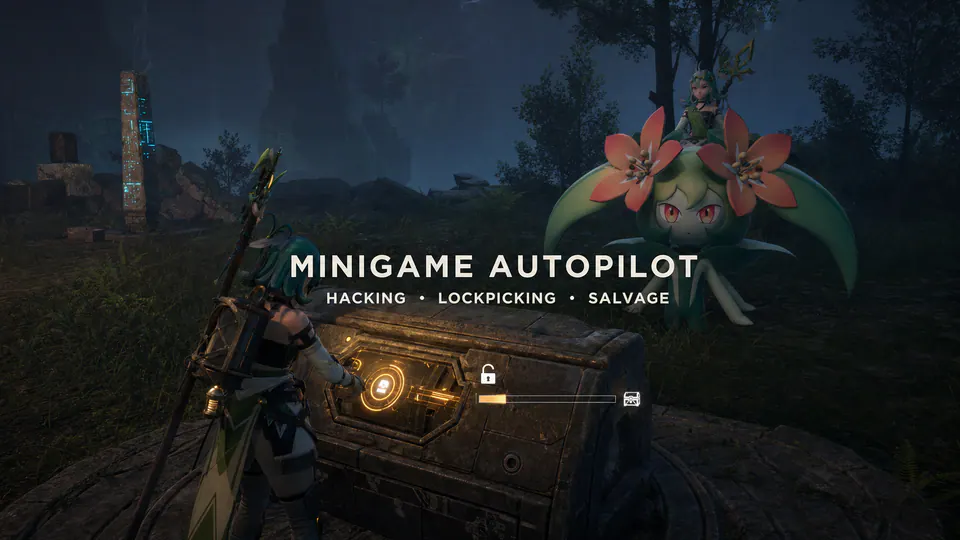
Auto Hacking, Lockpicking and Salvage - Minigame Autopilot removes repetitive input from three Palworld minigames. Open the normal interaction and the mod completes it through the same native success functions used by the game.
The default setup enables all three features. Each one can be turned off independently, and each completion delay can be adjusted from 0 to 2000 milliseconds.
This release is a clean-room UE4SS Lua implementation. It does not redistribute or override cooked Palworld assets, alter loot tables, change chest contents, edit saves, or run on a dedicated server.
Features
- Automatic one-stroke hacking.
- Automatic lockpicking.
- Automatic salvage success.
- Independent feature toggles.
- Bounded per-feature delays.
- One event-driven salvage action instead of per-frame scanning.
- Duplicate protection by stable engine identity.
- A 250 ms reuse cooldown for pooled hacking and lockpick widgets.
- A world-lifetime terminal latch after salvage success, native-call failure,
- Configured-only hook installation and retained widget assets.
- Map-change guard rearming without registration accumulation, plus a
- Two-attempt per-session dispatch bound, plus two native attempts for hacking
- Disabled startup installs no feature hook and loads no widget asset.
- Vanilla fallback when a hook or native call is unavailable.
Automatic installation
Install
MinigameAutopilot_v1.0.0-beta.1.zip with PalMods. Package detection should
report Pocketpair Info.json, UE4SS Lua, and one client rule.
Fully restart Palworld after installation or update.
Manual installation
- Close Palworld.
- Create
Pal\Binaries\Win64\ue4ss\Mods\MinigameAutopilot.
- Extract the ZIP contents into that folder.
- Confirm
Scripts\main.lua,Scripts\config.lua, andenabled.txtexist. - Start Palworld.
Do not copy the ZIP itself into ue4ss\Mods.
Each multiplayer player who wants automatic minigames installs the client mod. Do not install this package on PalServer.
Configuration
Edit Scripts/config.lua while the game is closed, then fully restart.
| Setting | Default | Valid values |
|---|---|---|
| --- | ---: | --- |
enabled | true | Boolean |
auto_hacking | true | Boolean |
auto_lockpicking | true | Boolean |
auto_salvage | true | Boolean |
hacking_delay_ms | 0 | 0 through 2000 |
lockpick_delay_ms | 0 | 0 through 2000 |
salvage_delay_ms | 100 | 0 through 2000 |
hook_retry_ms | 1000 | 250 through 5000 |
verbose_logging | false | Boolean |
Invalid values fall back or clamp safely.
Persistence and saves
The mod writes no save data, world flags, arrays, config sidecars, or external files. Existing and new saves use the same runtime behavior. No migration or save cleanup is required.
Compatibility and conflicts
Remove cooked auto-minigame PAKs before installing this release. Mods that replace these assets can conflict:
WBP_OneStrokeGame_ForDisplay;WBP_PickingGame02_ForDisplay;WBP_SalvageGame_GaugeStopMiniGame.
Removal
Close Palworld, remove ue4ss\Mods\MinigameAutopilot, and restart. Automatic
users can uninstall through PalMods. No save cleanup is required.