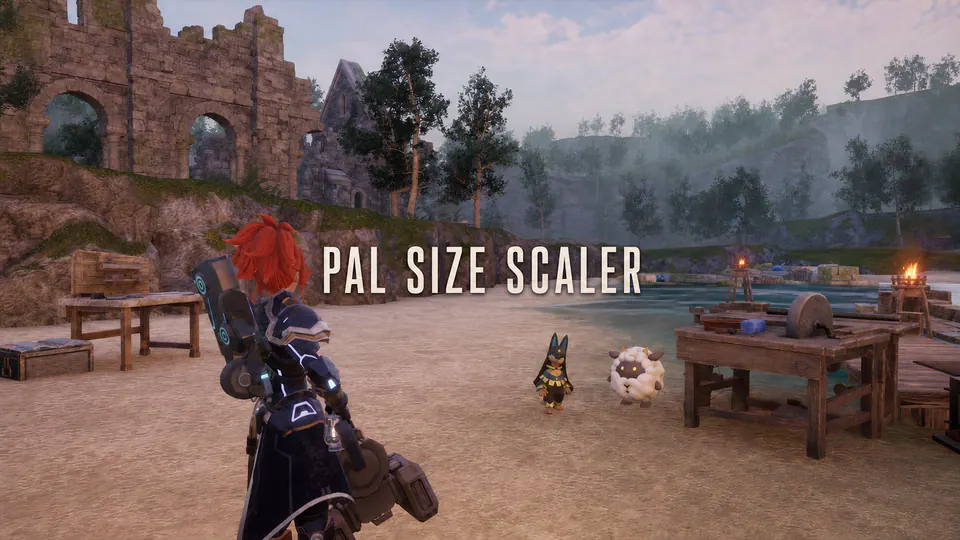
Large working Pals are useful, but they can dominate walkways, hide stations, and make a busy base hard to read. Pal Size Scaler shrinks medium-to-XL Base Pals by default while leaving small, party, and wild Pals alone.
Every context is configurable. Change the threshold or XS-XL multipliers, enable party/wild scaling, apply an additional Alpha/Lucky multiplier, or set a specific internal CharacterID override. Values are validated to 0.10-3.00.
The implementation uses the current Palworld 1.0 monster parameter table rather than a stale hand-written species list. It applies only on authority, uses bounded controller-ready retries, requests normal network refreshes, and reapplies after actions that reset scale. It never edits saves.
Defaults
- Base: enabled; M
0.75, L0.65, XL0.50 - Party: disabled
- Wild: disabled
- Alpha/Lucky additional multiplier:
0.70 - Captured humans: excluded
- retry window: six bounded attempts beginning at 50 ms
This release intentionally does not include an in-game UI or first-player
server administration. Edit Scripts/ps_config.lua while the game is closed.
Installation
Automatic: install PalSizeScaler_v1.0.0-beta.1.zip as-is through a compatible
mod manager.
Manual: extract first, create ue4ss\Mods\PalSizeScaler, and copy the ZIP
contents there. Do not put the ZIP itself inside ue4ss\Mods.
- Single-player/listen host: install on the host.
- Dedicated server: install on Windows PalServer.
- Remote clients: no install expected for authoritative scaling.
Compatibility, updates, and uninstall
Conflicts with other mods that continuously write Pal ActorScale3D. Scaling
an actor naturally changes its collision footprint; the mod does not separately
rewrite navigation rules, attack range, stats, or saves. Replace the old
package to update; keep custom config changes separately. To uninstall,
remove/disable the package and restart Palworld or PalServer.