Discover
Find a 1.0-compatible mod and read its loader, dependencies, platform, side, and removal notes before installing.
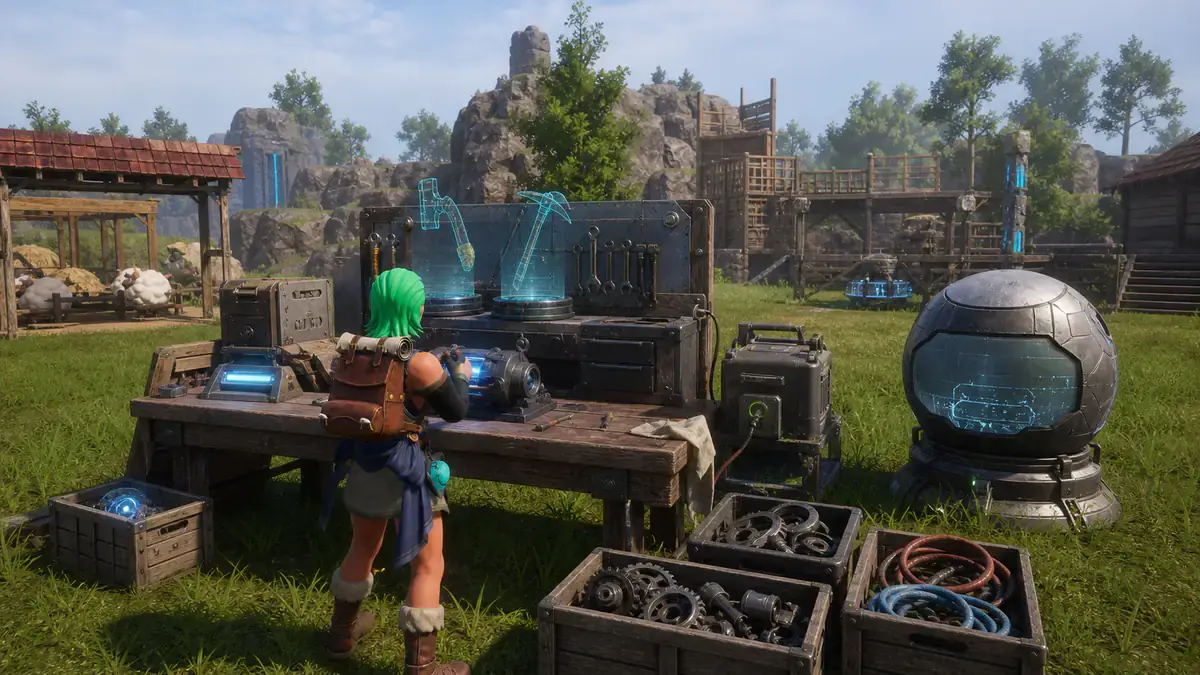
One researched home for Palworld modding, from your first Workshop subscription to UE4SS debugging, dedicated servers, Lua hooks, PalSchema data edits, Unreal LogicMods, and a clean release package.
Steam players should begin with Workshop and Palworld’s in-game Mod Management screen. The framework, platform, server, and recovery guides explain what is happening underneath, and what to do when the easy path stops being easy.
The safe beginner route: back up your world, install a known-compatible mod, enable it in Mod Management, verify it, and recover cleanly if it fails.
The official Palworld 1.0 workflow from Subscribe to the in-game Mod Management screen, including dependencies, updates, disabling, and removal.
Use the Workshop build when possible, understand the supported manual fallback, verify the live log, and avoid the duplicate-loader crash that catches returning players.
Install PalSchema with the correct UE4SS dependency, understand its package layout, read its logs, and resolve version or stale-loader conflicts.
Tell resource paks from UE4SS LogicMods, install Workshop or manual packages correctly, and diagnose file conflicts without guessing at folder names.
A precise platform guide: where official Workshop support stops, what the WinGDK manual ecosystem can do, and why console editions cannot use PC mods.
The official Windows server workflow: Workshop packages, PalModSettings.ini, PackageName activation, InstallRules, deployment checks, updates, and rollback.
A symptom-first diagnostic playbook for startup crashes, world-load failures, missing content, stale UE4SS files, dependency errors, and safe clean-room recovery.
Edit targeted data with PalSchema, hook runtime behavior with Lua, replace assets with paks, or build Blueprint logic in the Modding Kit. Then package the result for Palworld’s official loader and publish with clear dependencies and rollback notes.
A creator decision map for PalSchema, Lua, resource paks, LogicMods, and C++, what each format is good at, its toolchain, failure modes, and distribution cost.
Build a real UE4SS Lua mod from folder scaffold to a live hook, with game-thread safety, logging, hot reload, failure isolation, and portable packaging.
Set up the development build, generate schemas, inspect game data, make a targeted JSON edit, validate it, test with auto-reload, and package it cleanly.
Prepare the unofficial UE5.1 skeleton project, understand its prerequisites, create a ModActor, cook a unique chunk, and test a correctly named LogicMod.
Turn finished files into a portable PalMods release: author Info.json, declare dependencies and server rules, test the installed result, version updates, and publish responsibly.
Find a 1.0-compatible mod and read its loader, dependencies, platform, side, and removal notes before installing.
Workshop packages are staged by Steam, then Palworld’s official loader applies their Info.json install rules when the game starts.
Paks replace resources; UE4SS hosts Lua and LogicMods; PalSchema applies targeted JSON changes on top of UE4SS.
Test one change at a time, inspect the game or framework log, and keep a known-good save plus a clean unmodded baseline.
Palworld modding changes quickly. These guides favor Pocketpair’s official 1.0 loader and server docs, UE4SS’s API reference, and the PalSchema maintainer’s documentation. Community instructions are used where the official docs intentionally stop, and each article lists exactly what it relied on.
Install it, prove your baseline, then grow your setup deliberately.